Runway Visual Range
The Runway Visual Range (RVR) element represents the RVR groups from the METAR report. To include this element in the Preset ATIS template, use the [RVR] variable.
Spoken
Spoken text
The text spoken to announce runway visual range (default “R-V-R”). Leave blank to omit the label.
Tendencies (Spoken)
The text spoken for the neutral (N), going up (U) and going down (D) tendencies.
Phrases (Voice)
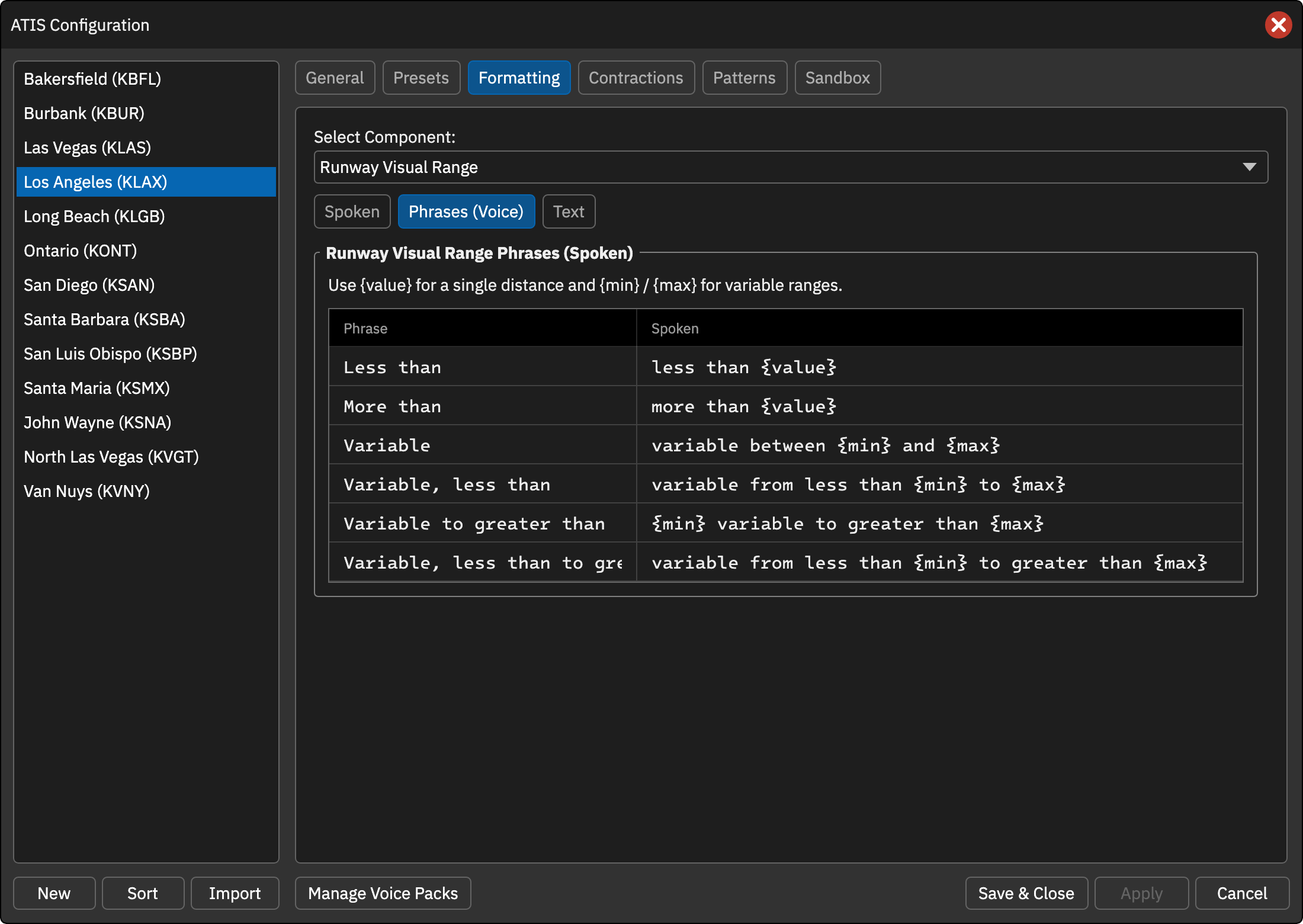
Edit the phrases used to read RVR values in the voice ATIS. Use {value} for a single distance and {min} and {max} for variable ranges. The defaults match the previous wording.
| Phrase | Default |
|---|---|
| Less than | less than {value} |
| More than | more than {value} |
| Variable | variable between {min} and {max} |
| Variable, less than | variable from less than {min} to {max} |
| Variable to greater than | {min} variable to greater than {max} |
| Variable, less than to greater than | variable from less than {min} to greater than {max} |
Text
Tendencies (Text)
The text shown in the text ATIS for each tendency code (N, U, D), independent of the spoken text. By default the METAR code is shown.