Dewpoint
The dewpoint element from the METAR.
-
{dewpoint}… The dewpoint temperature value (e.g. 05) -
{prefix_symbol}… The symbol indicating the temperature range (+ or -). This can only be used in the text ATIS template.
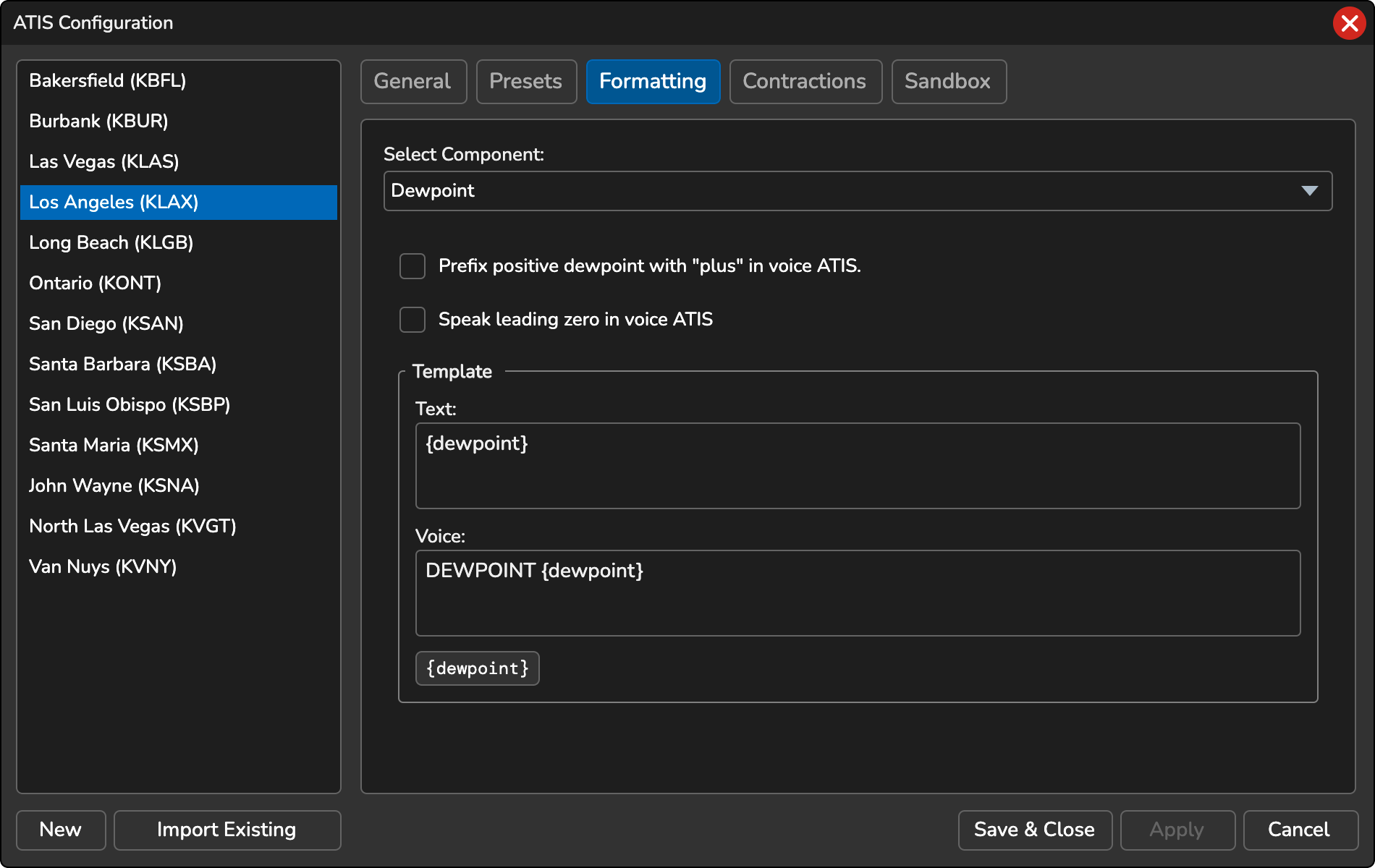
Prefix positive temperature with “plus” in voice ATIS
When enabled, positive temperatures will be prefixed with the word “plus” in the voice ATIS. For example, “DEWPOINT PLUS TWO FIVE”.
Speak leading zero in voice ATIS
When enabled, the leading zero will be spoken in the voice ATIS. For example, “DEWPOINT ZERO SIX”.
Customization
You can customize how the dewpoint temperature is displayed in your text ATIS with the following options:
-
Digit Formatting: Use
#to control the number of digits shown. For example,{dewpoint:#}will display only the significant digits, removing the leading zero for values less than 10 (e.g., 8 instead of 08). By default, the dewpoint will display with two digits. -
Removing the “M” Prefix: To remove the “M” prefix from negative dewpoint, use
{dewpoint:M}or{dewpoint:##M}. For example, M05 will display as 05. -
Replacing the “M” Prefix: To replace the “M” prefix with a dash, add
-after the digits, for example{dewpoint:##-}, which displays M05 as -05. To replace it with your own text, put the text in single quotes, for example{dewpoint:##'MS'}, which displays M05 as MS05.
Variable Format
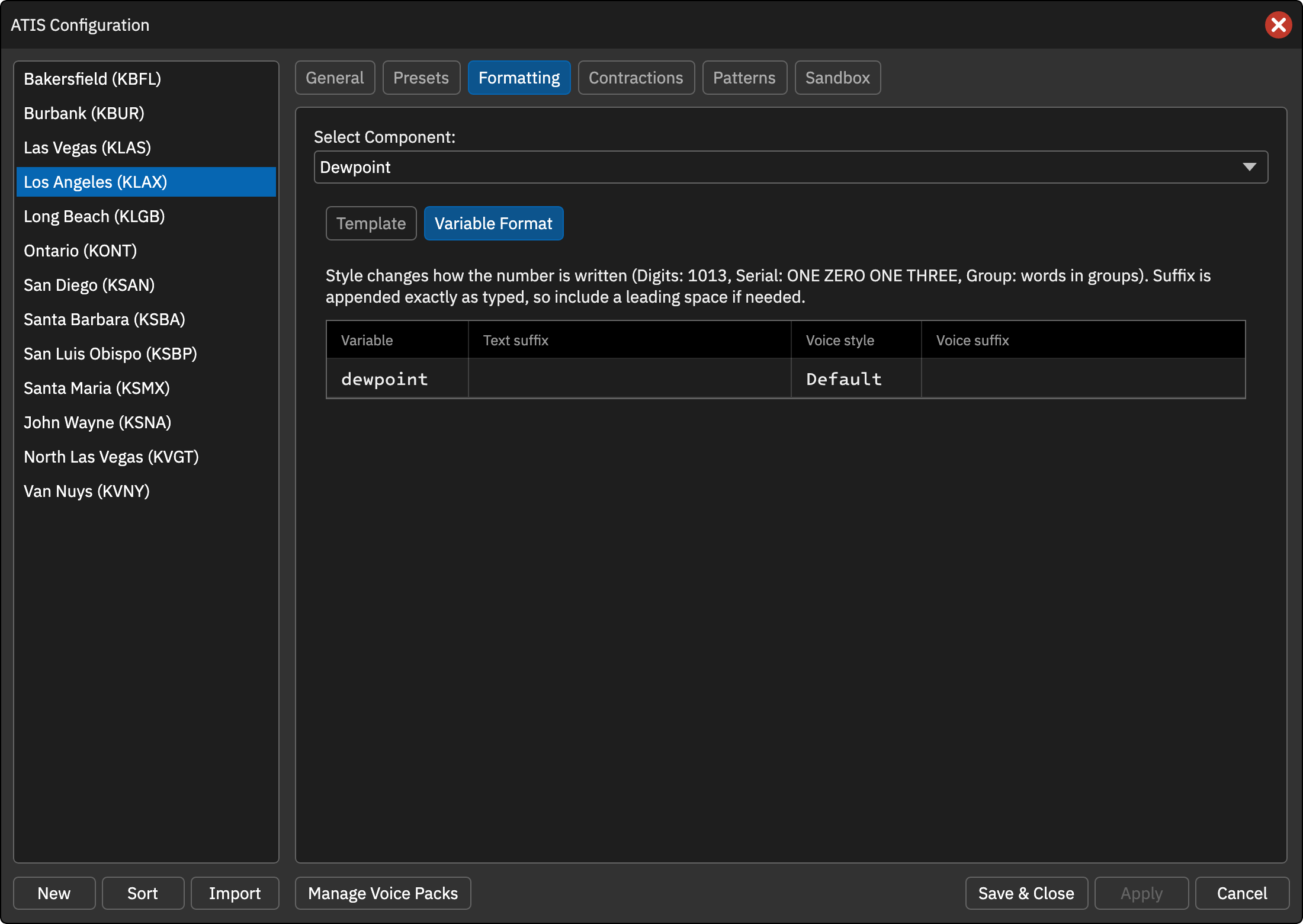
The Variable Format tab controls how the numeric variable is written. The row for {dewpoint} has a Text suffix, a Voice style and a Voice suffix. There is no text style: the digits in the text ATIS are set by the format in the template, for example {dewpoint:##} (see Customization above).
Voice style
- Default … The built-in rendering (digit-by-digit words).
- Digits … Plain digits (e.g. 1013).
- Serial … Digit-by-digit words (e.g. ONE ZERO ONE THREE).
- Group … Words in groups (e.g. TEN THIRTEEN).
Text suffix and Voice suffix
Text appended to the value in the text or voice ATIS, exactly as typed, so include a leading space if you need one (e.g. ` knots`).
Every setting defaults to the previous behavior, so existing profiles are unchanged.