Altimeter
The altimeter element from the METAR.
-
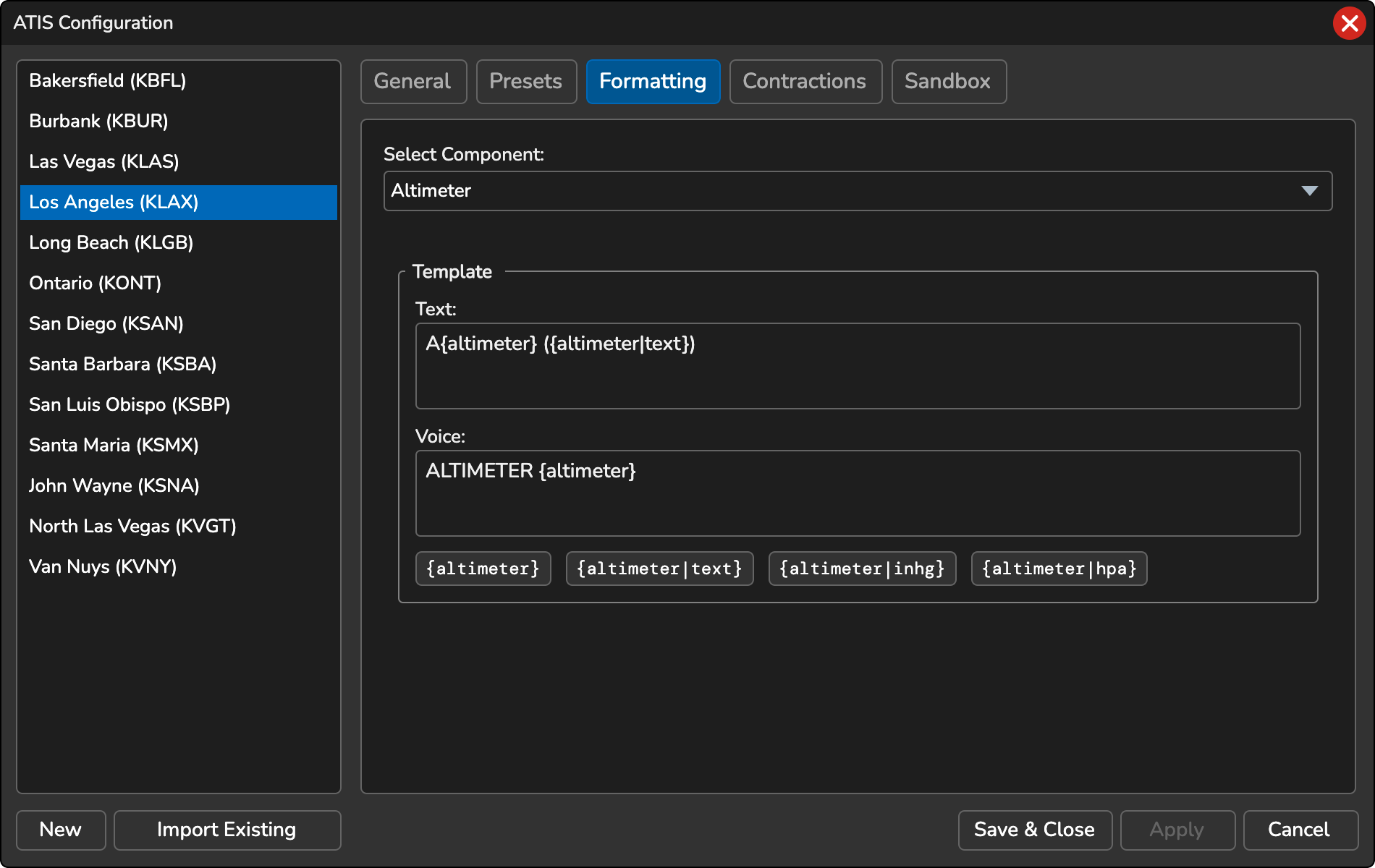
{altimeter}… The numeric altimeter value (e.g. 2998 or 1013) -
{altimeter|inhg}… The numeric altimeter value converted to inches of mercury (inHg) -
{altimeter|hpa}… The numeric altimeter value converted to hectopascals (hPa) -
{altimeter|text}… The altimeter value translated to words (e.g. TWO NINER NINER TWO) -
{qfe|ELEVATION_FT}… Aerodrome atmospheric pressure. ReplaceELEVATION_FTwith the field elevation in feet. Only available for non-FAA stations.
Variable Format
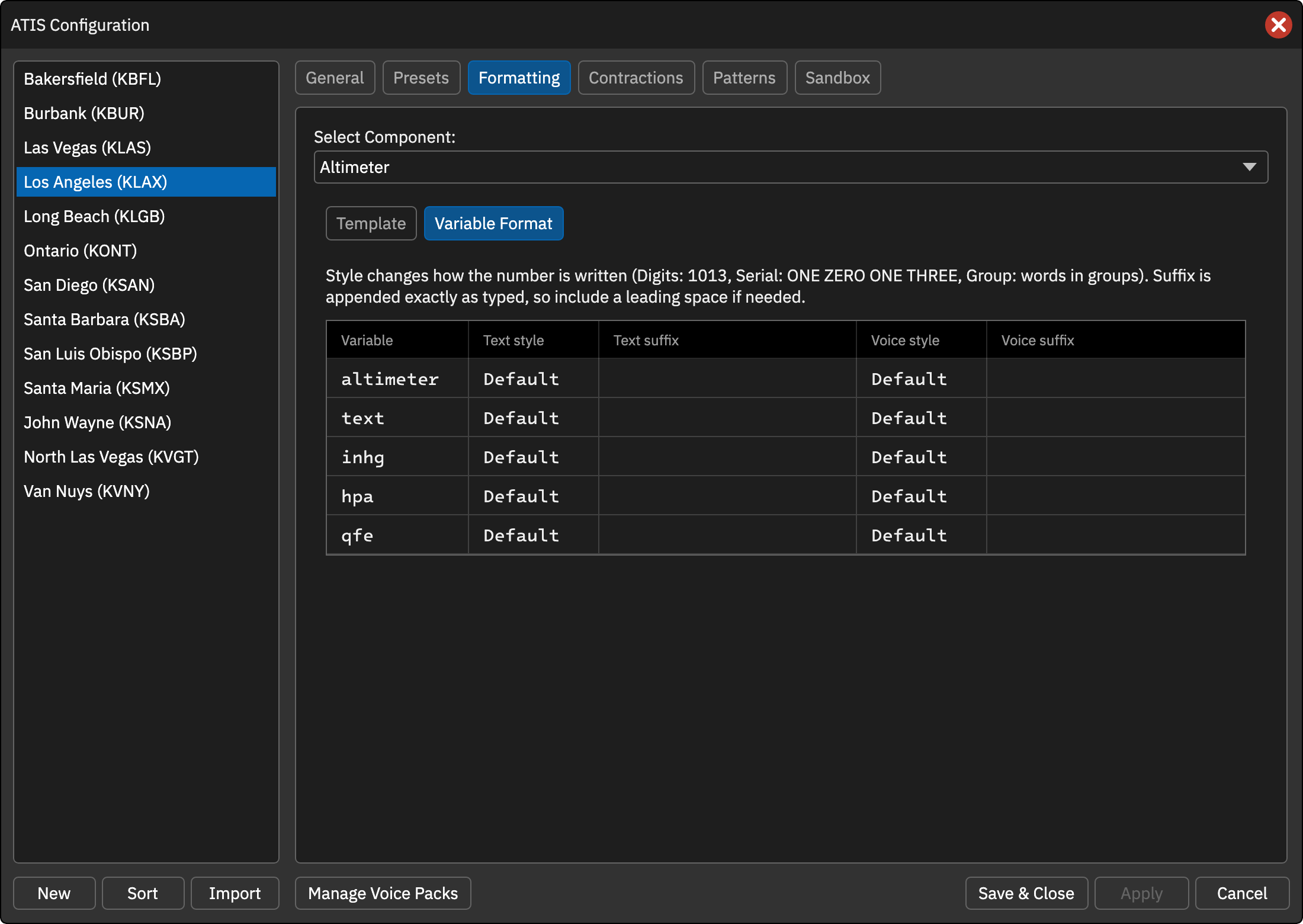
The Variable Format tab controls how each numeric variable is written, separately for the text ATIS and the voice ATIS. Rows are available for {altimeter}, {altimeter|text}, {altimeter|inhg}, {altimeter|hpa} and {qfe}. Every row is one variable and has a Text and a Voice column group, each with a Style and a Suffix.
Style
- Default … The built-in rendering (digits in the text ATIS, digit-by-digit words in the voice ATIS).
- Digits … Plain digits (e.g. 1013).
- Serial … Digit-by-digit words (e.g. ONE ZERO ONE THREE).
- Group … Words in groups (e.g. TEN THIRTEEN).
Suffix
Text appended to the value exactly as typed, so include a leading space if you need one (e.g. ` knots`).
Every setting defaults to the previous behavior, so existing profiles are unchanged.
{altimeter|text} can now be used in the voice ATIS template as well as the text ATIS template.